AI form designer (DNN)
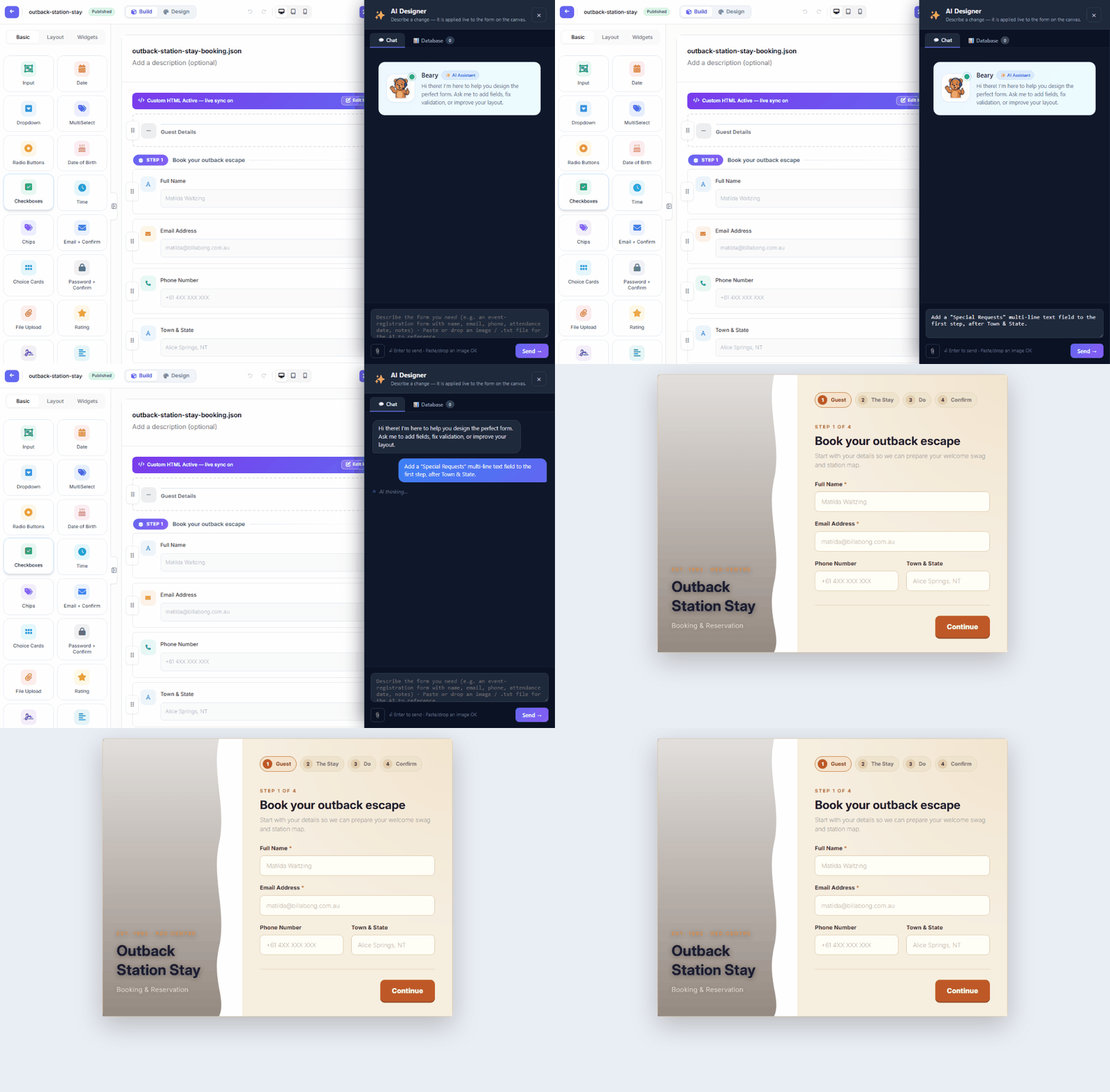
Describe the change; watch it land on the canvas. The ✨ AI Designer (builder top bar) opens a chat panel whose instructions are applied live to the form you're editing — the recording below asks for a rating field and gets it, applied, in one round trip:
What it can do
- Add / modify fields — "add a star rating field named Overall satisfaction", "make Full Name required", "turn the Country input into a dropdown with EU countries".
- Fix validation & layout — "validate email format", "put First and Last name side by side".
- Whole forms — the dashboard's ✨ Create with AI drafts a complete form from one sentence (fields, layout, validation), which you then refine here.
- Database-aware design — the panel's Database tab lets the AI see your allow-listed tables, so it can build forms bound to real columns (this is how the demo site's AI created SQL-backed forms — with SELECT-only proof queries before anything ships).
On rails, not on trust
The AI proposes structured operations, not raw code: every operation is validated against the schema catalog before it's applied, SQL it suggests is checked and preview-executed read-only, and nothing touches your form until the ops pass. You always see the result on the canvas with undo available — and the form stays a Draft until YOU publish.
Setup lives one page over: Configuring the AI Assistant. Ready-made wording that gets good results: AI Prompts for Form Design.