MegaForm for DNN
MegaForm is a complete form platform for DNN (DotNetNuke): a visual builder, ready-made premium templates, an AI form designer, submissions with analytics, approval workflows, direct read/write to your own SQL tables, and a Razor/SDK surface — all inside your own DNN portal, on your own database.
This site covers MegaForm on DNN specifically. For the Oqtane edition see the Oqtane documentation.
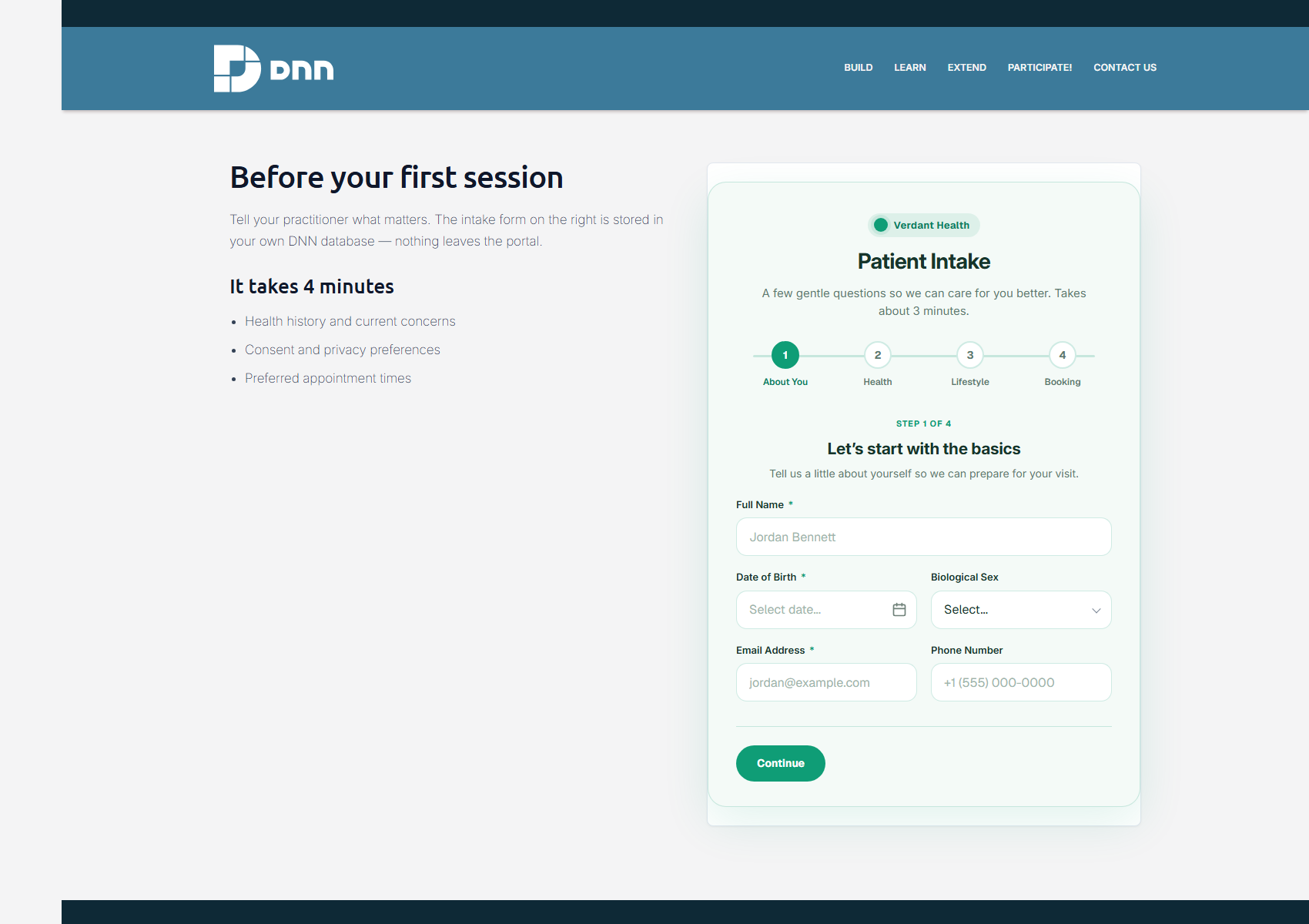
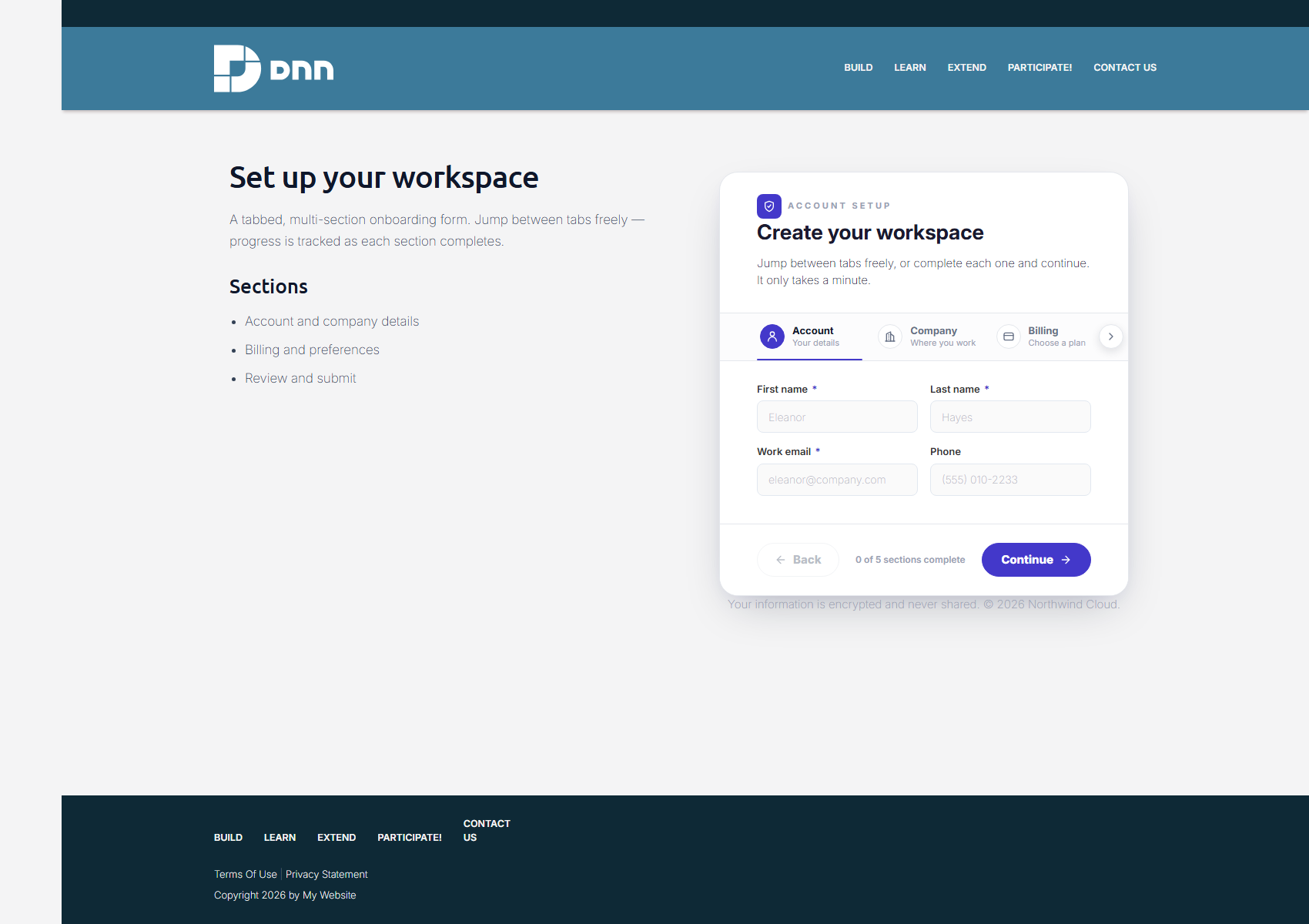
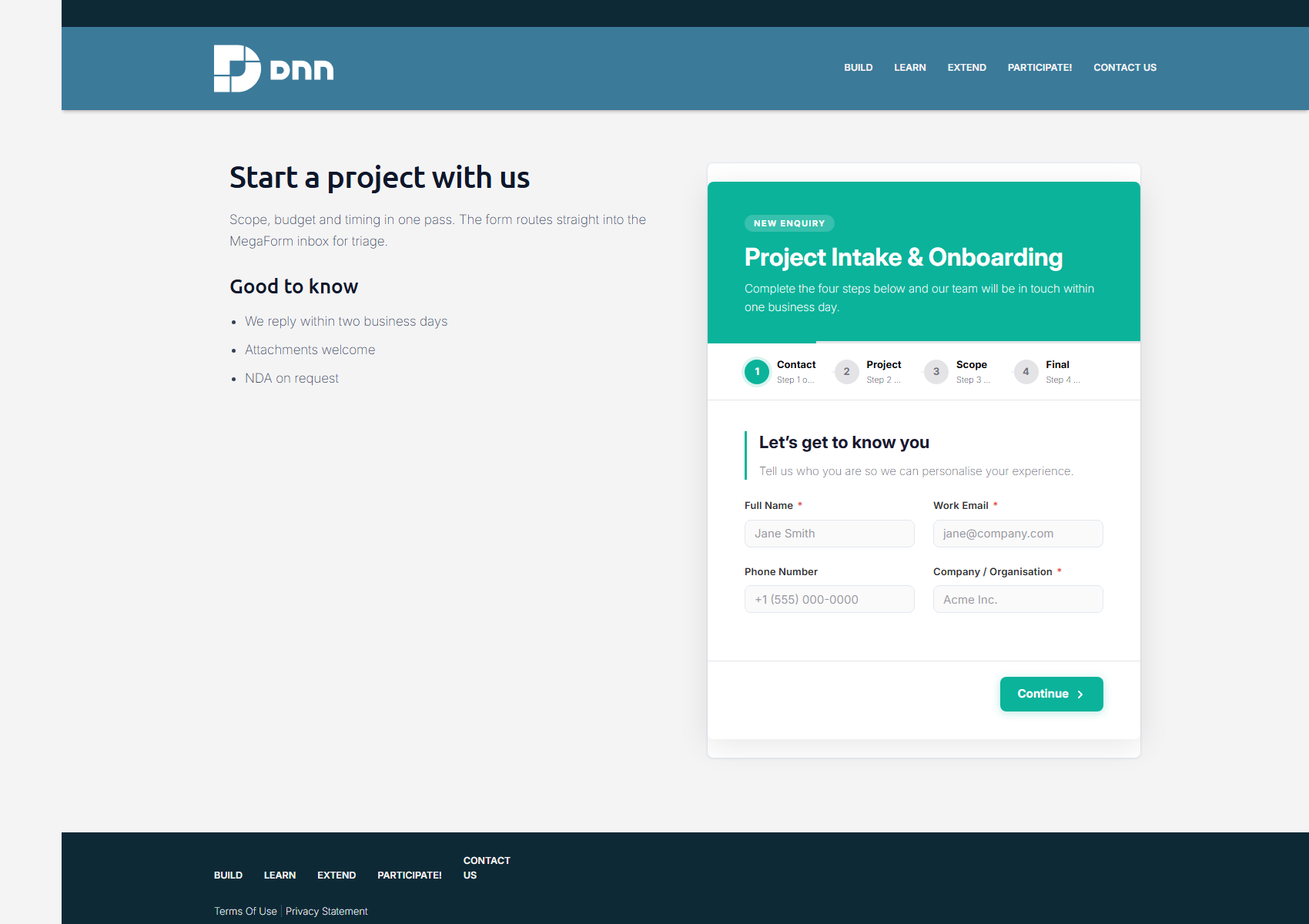
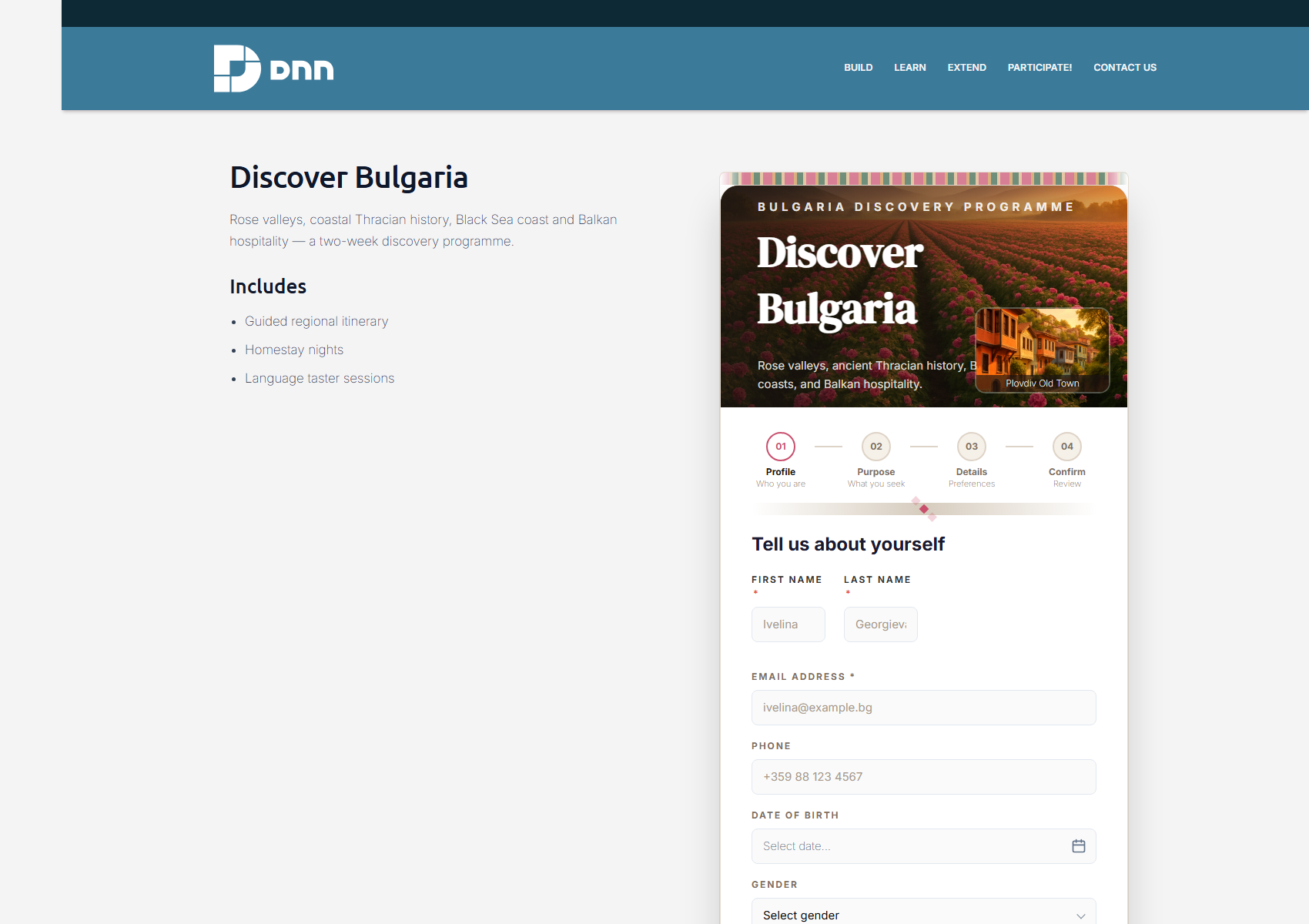
A form module doesn't look like a form builder
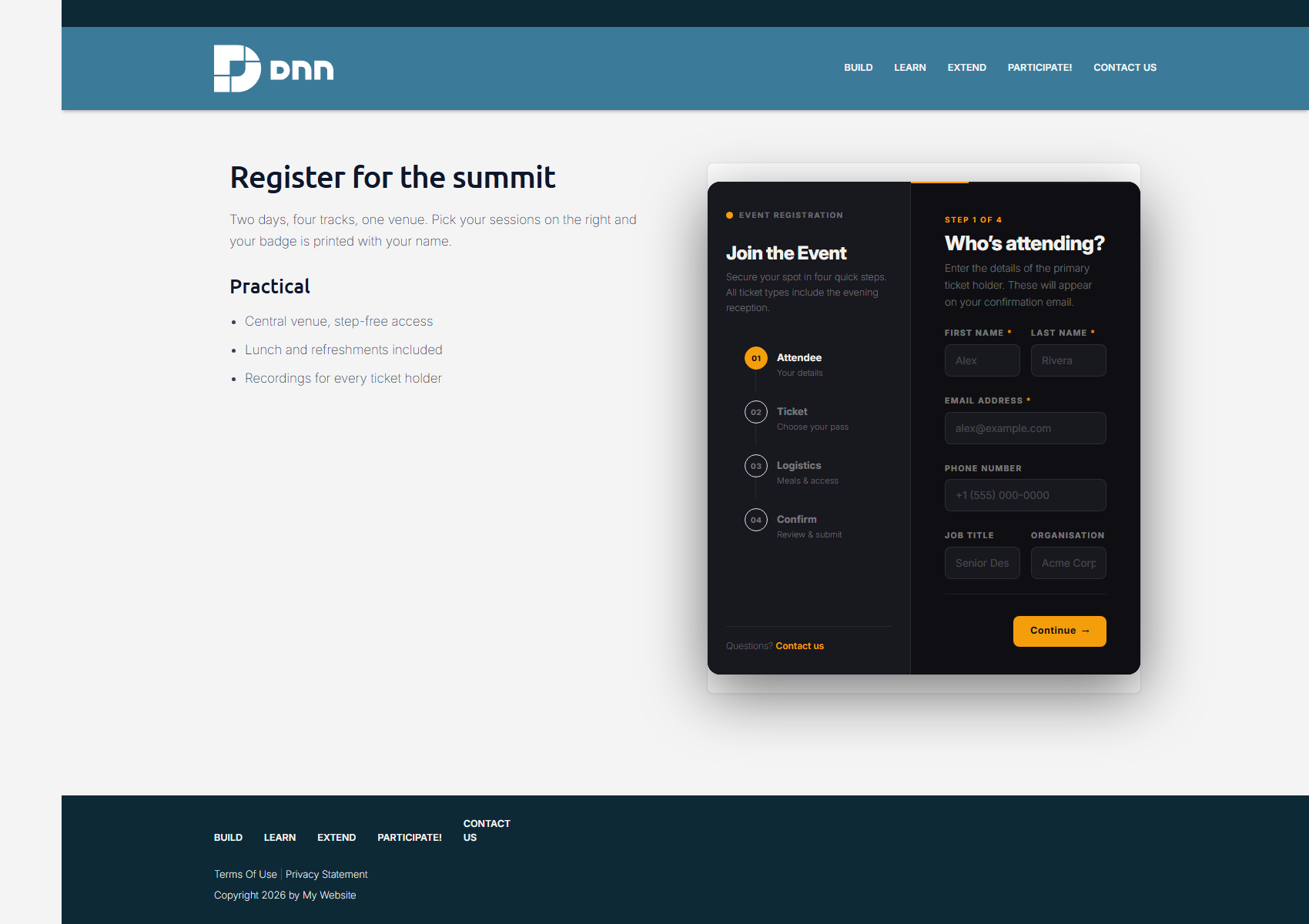
A MegaForm module should look like a designed page, not like the builder UI. Every screenshot below is a real DNN page on a live DNN 10.3 portal — same skin, same menu, same footer — with the MegaForm module dropped into the right-hand pane of a two-column page and marketing copy in the left one.
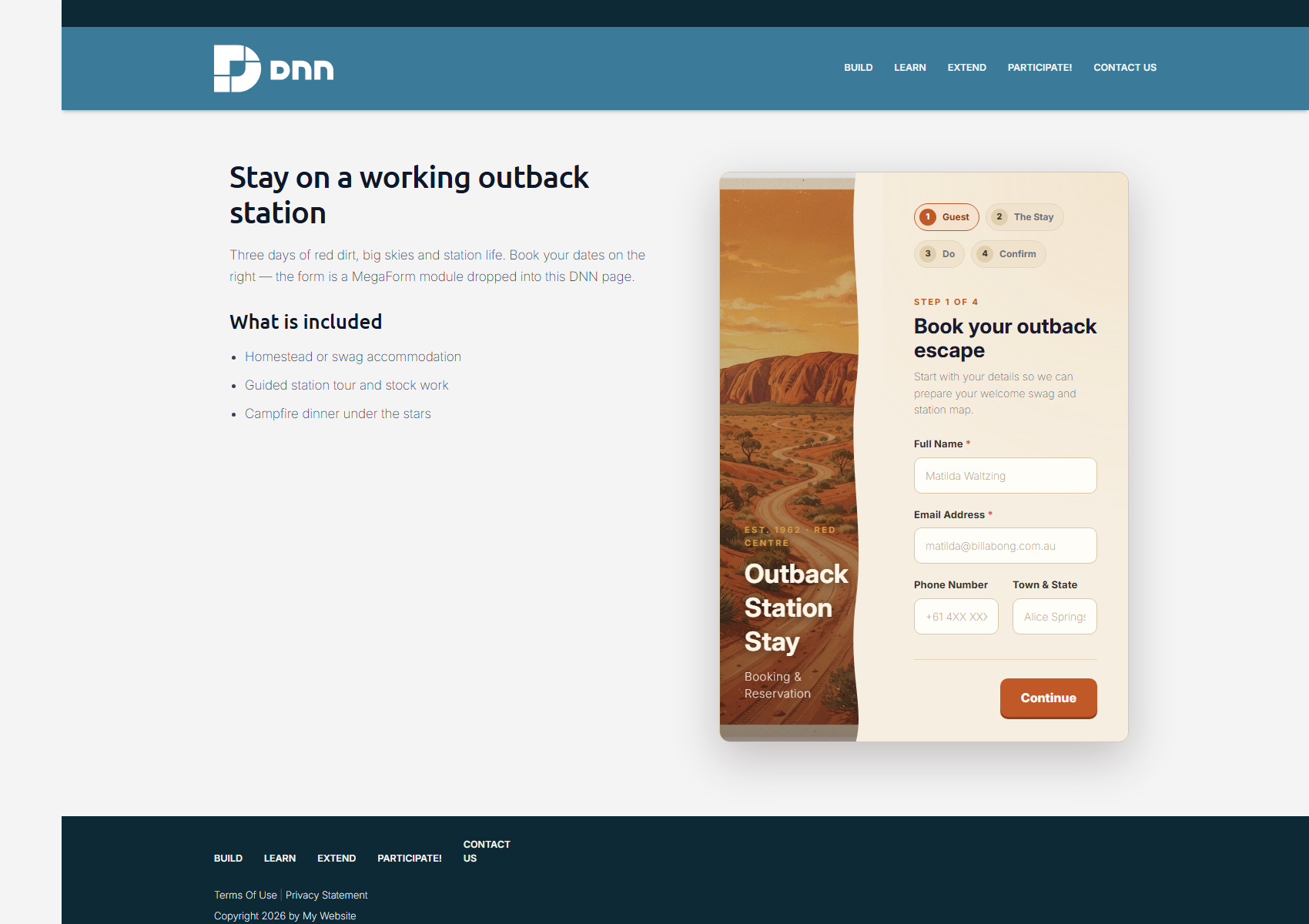
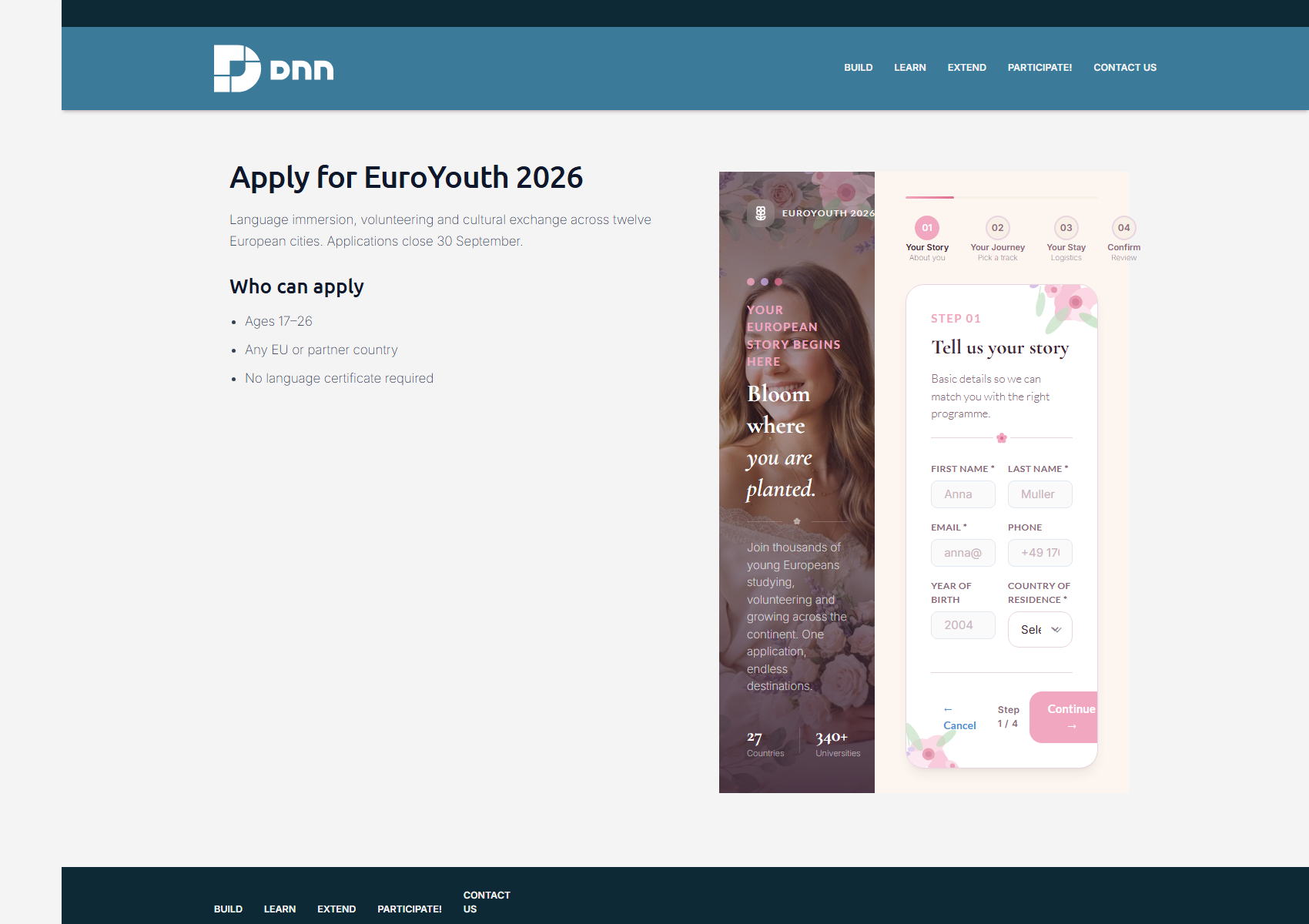
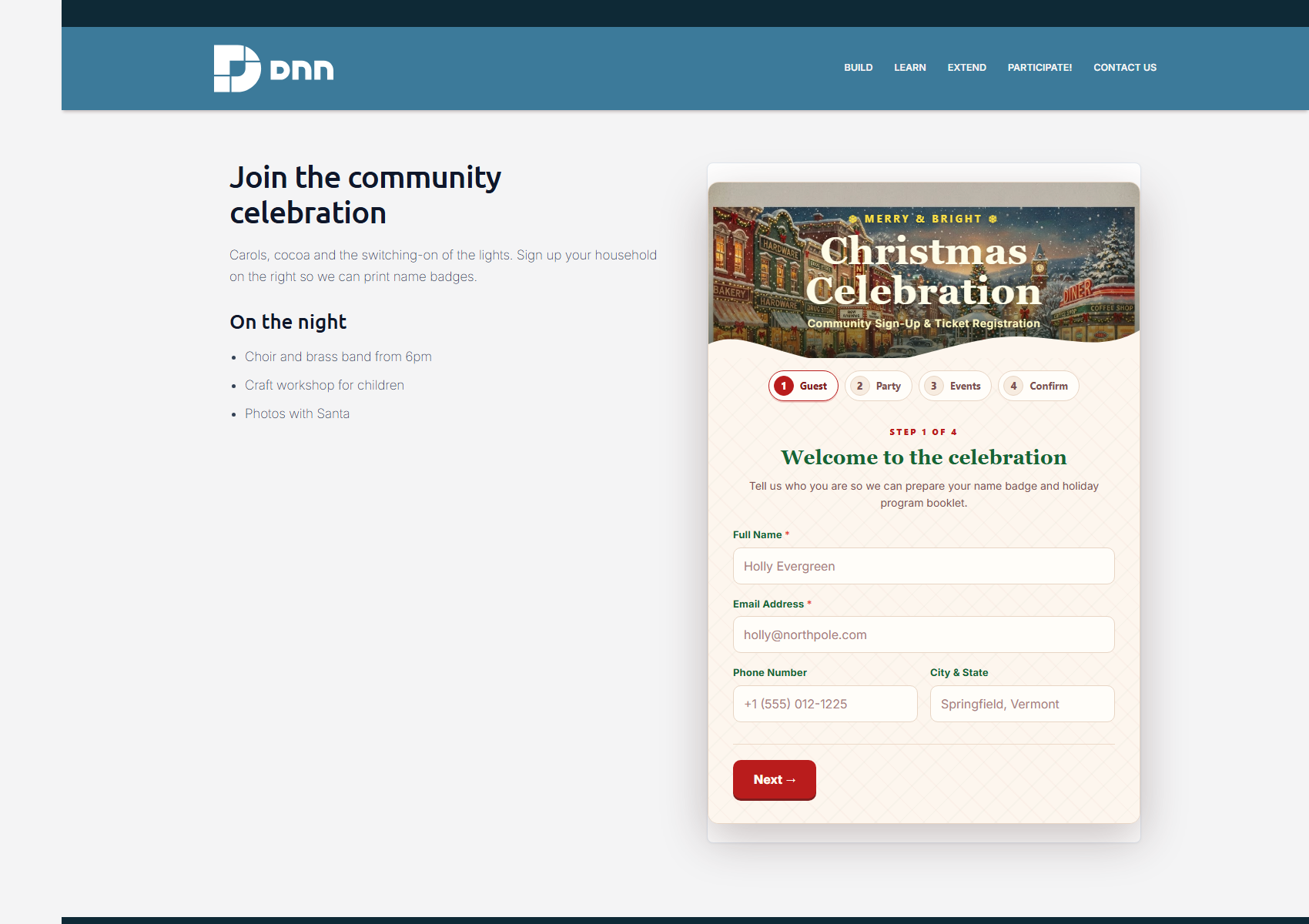
Dozens more designs — free from the online gallery
Buying the module includes the online template gallery: a hosted repository of premium, ready-to-use designs you can download at no extra cost, as often as you like. New designs are added there over time, so the catalog keeps growing after your purchase.
In the builder, choose New Form → Template Gallery → Online gallery, preview a design, and one click installs it into your portal (the design's artwork comes with it). Everything is downloaded and verified server-side by your own DNN install.
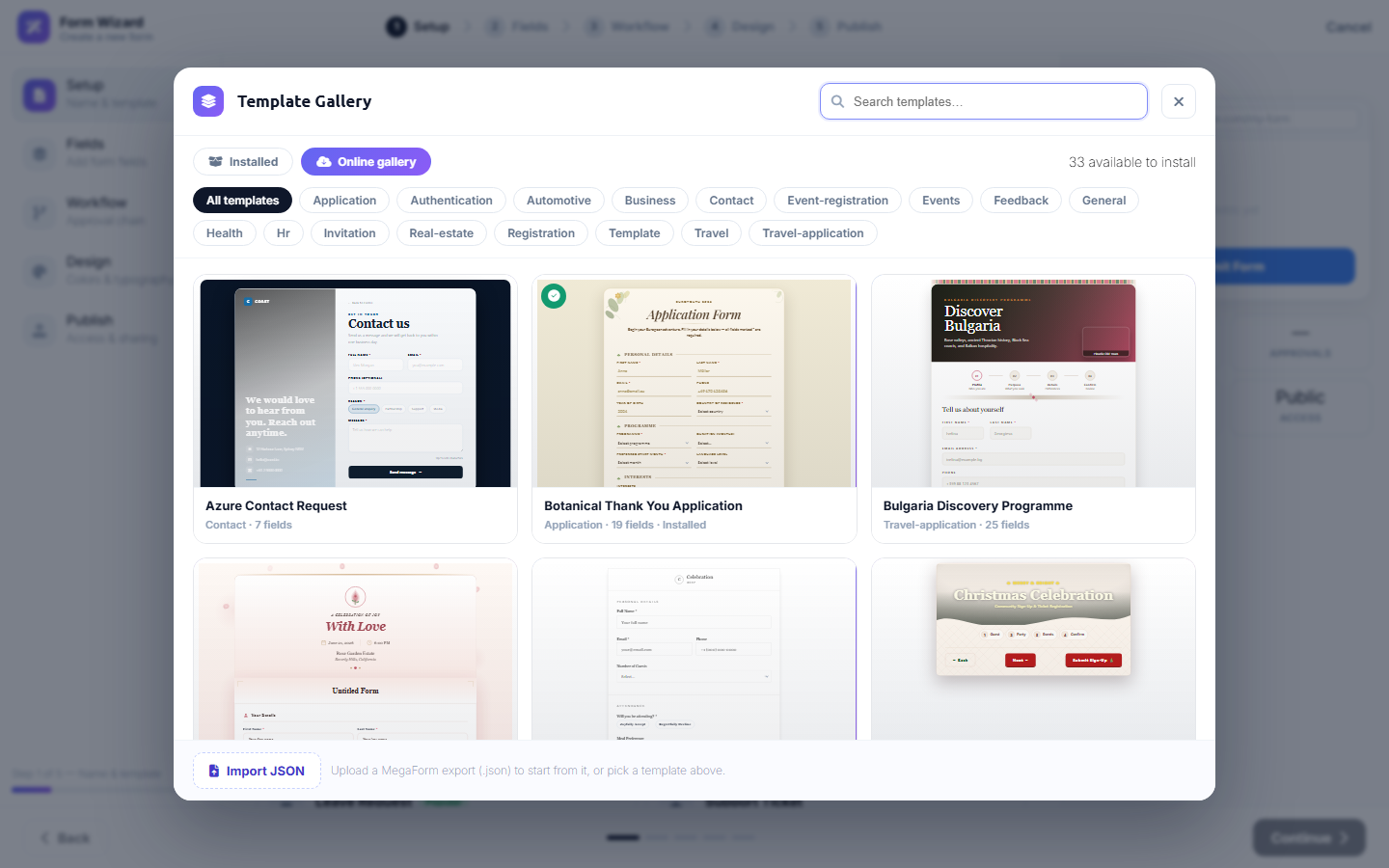
The online gallery is a licensed feature: trial installs may browse and preview the whole catalog, and a purchased module installs from it without limits.
Walk-through with animations: Download a Design, Remix it with AI.
More gallery templates
Different layout styles from the same gallery — again, each one photographed on a live DNN page: tabbed account setup, health intake, onboarding flows, travel programmes and event registration.
Product areas
MegaForm also includes the dashboard, submissions analytics, an approval inbox, a visual BPMN workflow designer, storage integrations, widgets, multi-language forms, AI-assisted form creation, and DNN-specific SQL-table binding and Razor rendering. Start with the guides below.
Start here
Guides — using MegaForm on DNN:
| Guide | What it covers |
|---|---|
| Creating Forms | Wizard, multi-step, and AI flows — with demo animations |
| Create a Form with AI | Describe a form in the Dashboard; AI builds a premium form |
| Form Builder | The visual builder in depth |
| Module Settings & Theme | Choose the form a page shows; presets, colors, layout |
| Theme Compatibility | Keep MegaForm styling or inherit the DNN page skin |
| Submissions & My Inbox | Analytics, data grids, statuses, the approval inbox |
| Read & Write a SQL Table | Point MegaForm at a real table and build a form from its columns |
| Cascade-SQL Dropdowns | Parent → child dropdowns that read from SQL |
| Display Submissions with Razor | Card, ListView and detail layouts over your form data |
Programming (SDK) — read & write from your own code:
| Guide | What it covers |
|---|---|
| Overview | Architecture, key concepts, the object model |
| Installation | Add the SDK and register it in your host |
| Standalone Host | Run MegaForm as an ASP.NET Core app via NuGet |
| Quick Start | A working list view in ~20 lines |
| SDK Reference | Complete English reference for every SDK API |
| Reading data | Forms and submissions queries, paging, scope |
| File download | List and stream uploaded files safely |
| DNN Razor Host | Consume MegaForm data from a DNN Razor Host script |
Prerequisites: DNN 10.x, MegaForm module installed, and Host/Administrator access.