Field permissions (DNN)
A form doesn't have to look the same for everyone. Per field, you decide who can see it and who can see but not edit it — using the DNN roles your portal already has. Rules are applied server-side when the form is delivered: a hidden field never even reaches the browser.
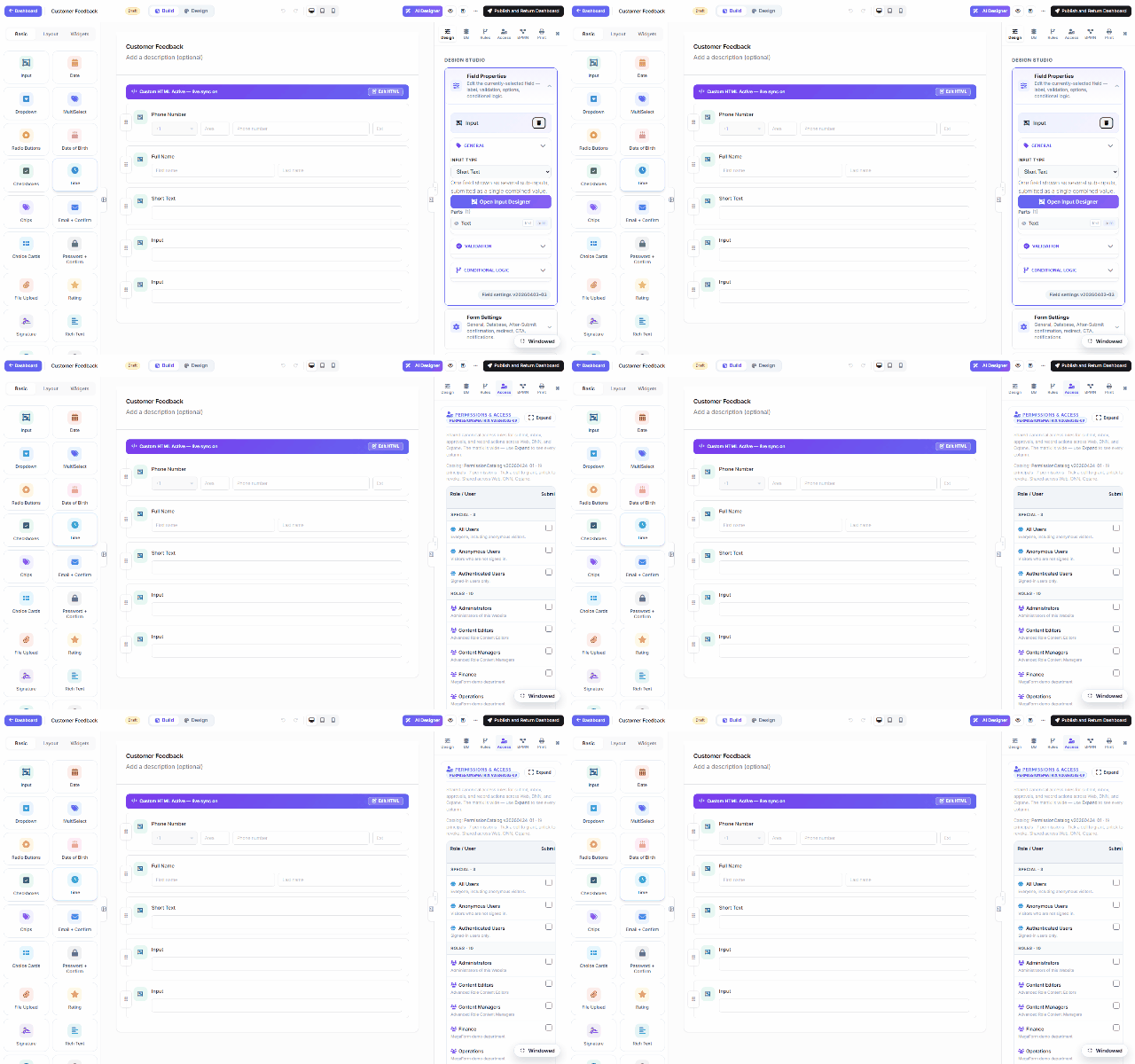
Per-field rules
- Select a field on the canvas and open the Access tab (right panel).
- Under Field visibility by role:
- Visible to — tick the roles that may see the field; untick everything and it's visible to everyone (the default).
- Read-only for — tick roles that may see the field but not change it.
- Save. The rules ride inside the form schema and are enforced when the schema is served — the JSON each user downloads is projected for that user, so a field they may not see is stripped before it leaves the server. Anonymous or unresolvable callers always get the most-restricted projection.
The permission matrix
Above the per-field rules, the same Access tab holds the form-level Permissions & Access matrix — role/user rows (All Users, Anonymous Users, Authenticated Users, plus every portal role) against form actions (submitting, reading records, inbox access, approvals). The matrix is canonical shared data across DNN, Oqtane and Web — granting a role here means the same thing on every host. Expand shows all columns; Save Access Rules persists it.
Roles are the host's roles — on DNN that's your portal's role list (the recording shows this site's own: Administrators, Content Editors, Content Managers, Finance, Operations…). Create roles in DNN's admin as usual; MegaForm picks them up automatically.