Submissions grid — filters at scale (DNN)
A grid that only works on 30 rows isn't a grid. The submissions grid pushes paging, counts and filters into SQL, so the page you see is the page the database computed — whatever the table size. The screenshots below are a real DNN 10.3 install reading a 500,000-row table.
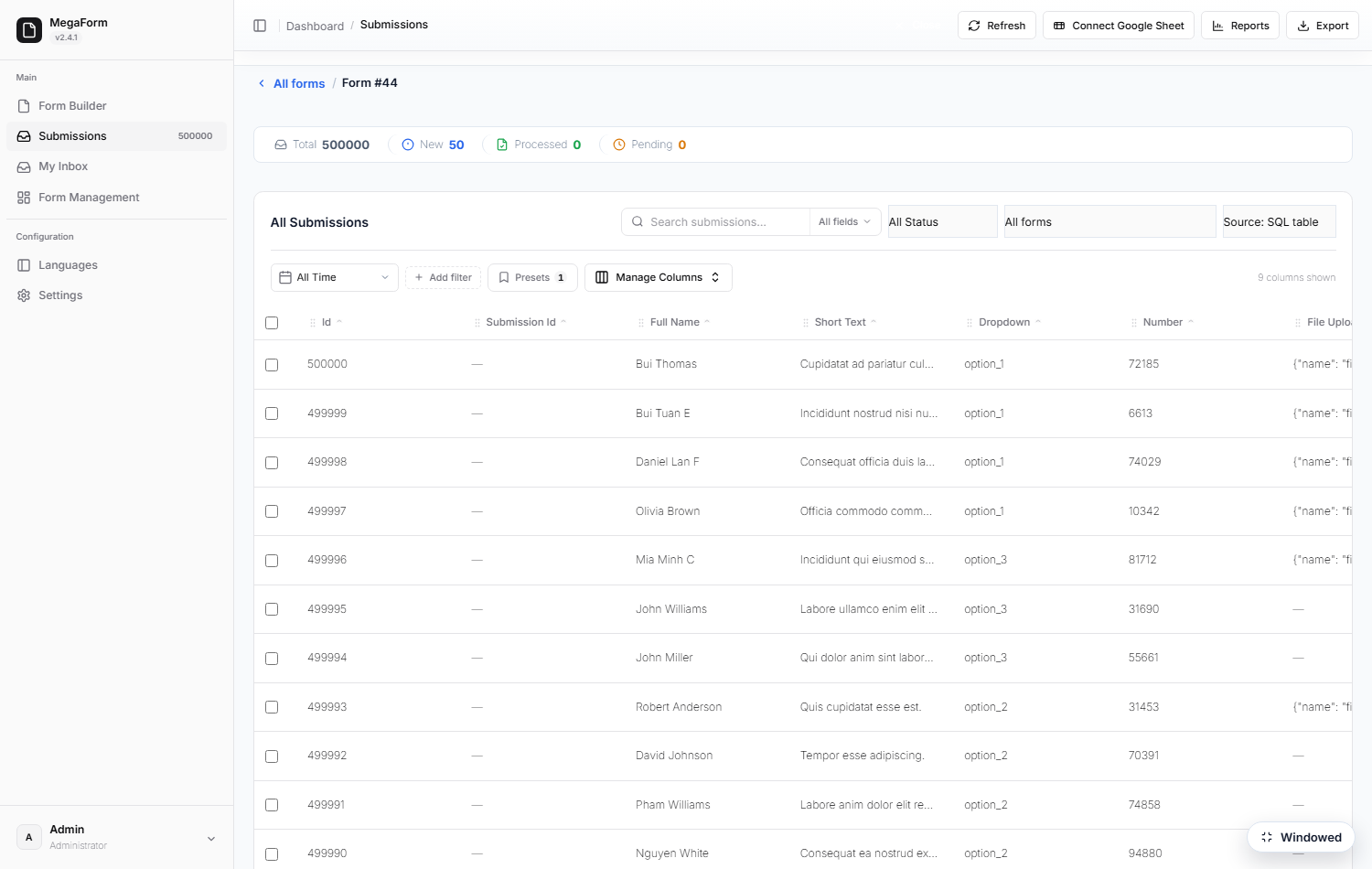
The toolbar
- Search — as-you-type, with a field-scope selector (All fields) to limit which field is searched.
- Status — New / Processed / Starred / Archived.
- All Time — date-range shortcut (from / to travel to SQL).
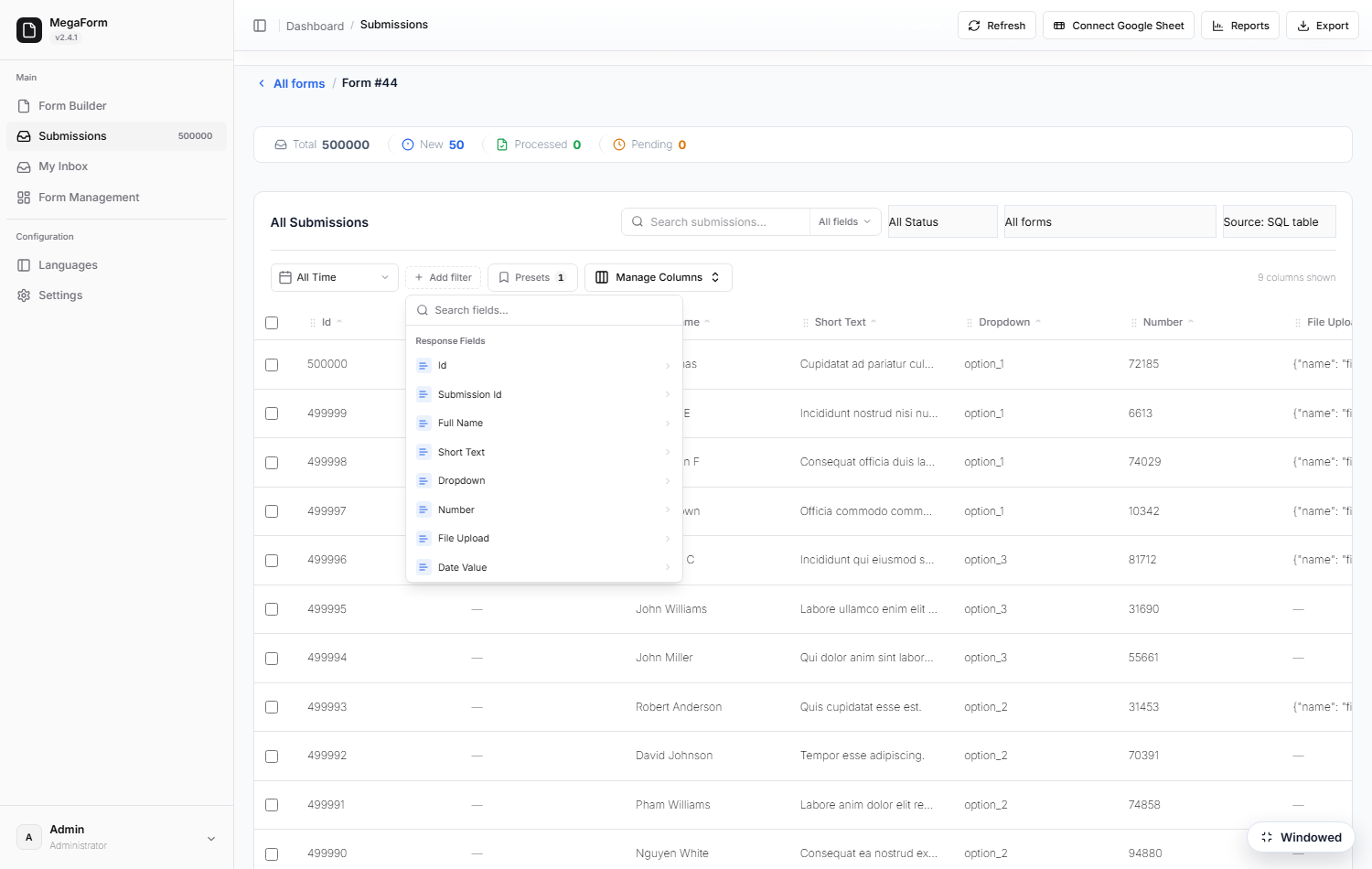
- Add filter — field conditions built from the form's own schema — every column of the bound source is offered, with the operators its type allows.
- Presets — save a filter combination under a name and recall it in one click.
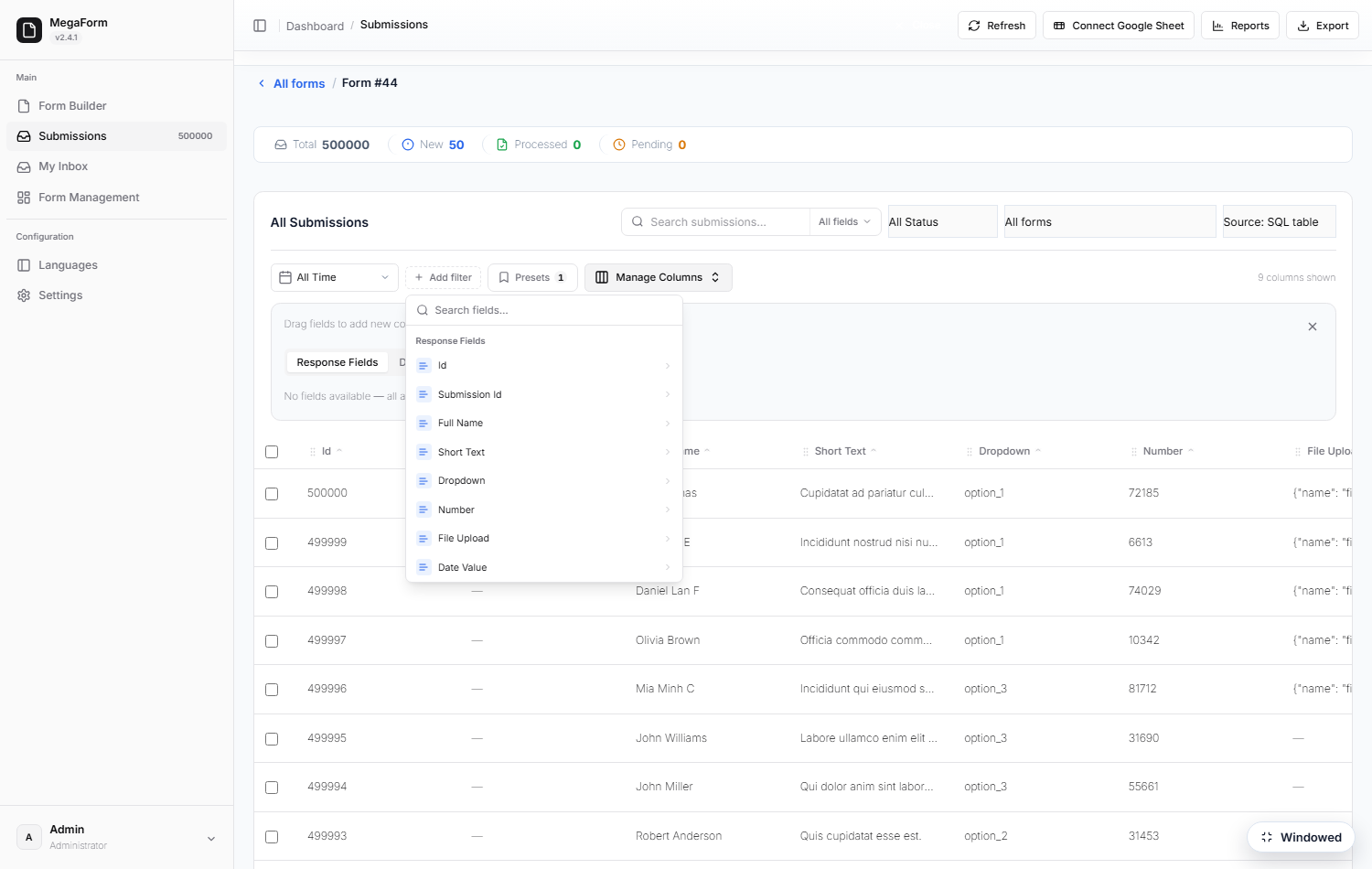
- Manage Columns — choose and reorder the columns; widths drag; the layout is remembered per form.
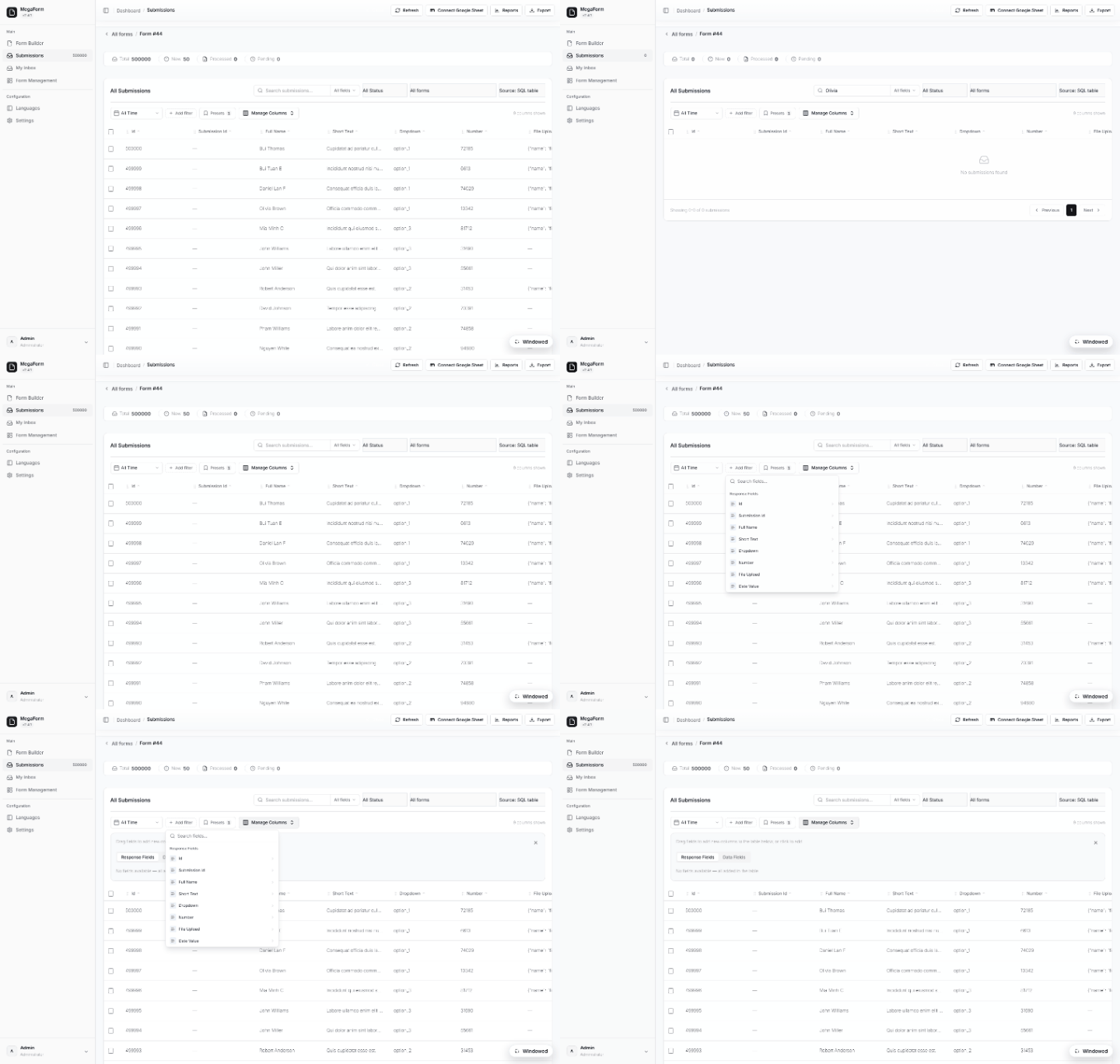
Reading a table you already have
The grid does not require the data to live in MegaForm's own tables. Point a named SQL connection at the database you already run, bind a form to one of its tables, and the same grid reads it live — nothing is imported or copied.
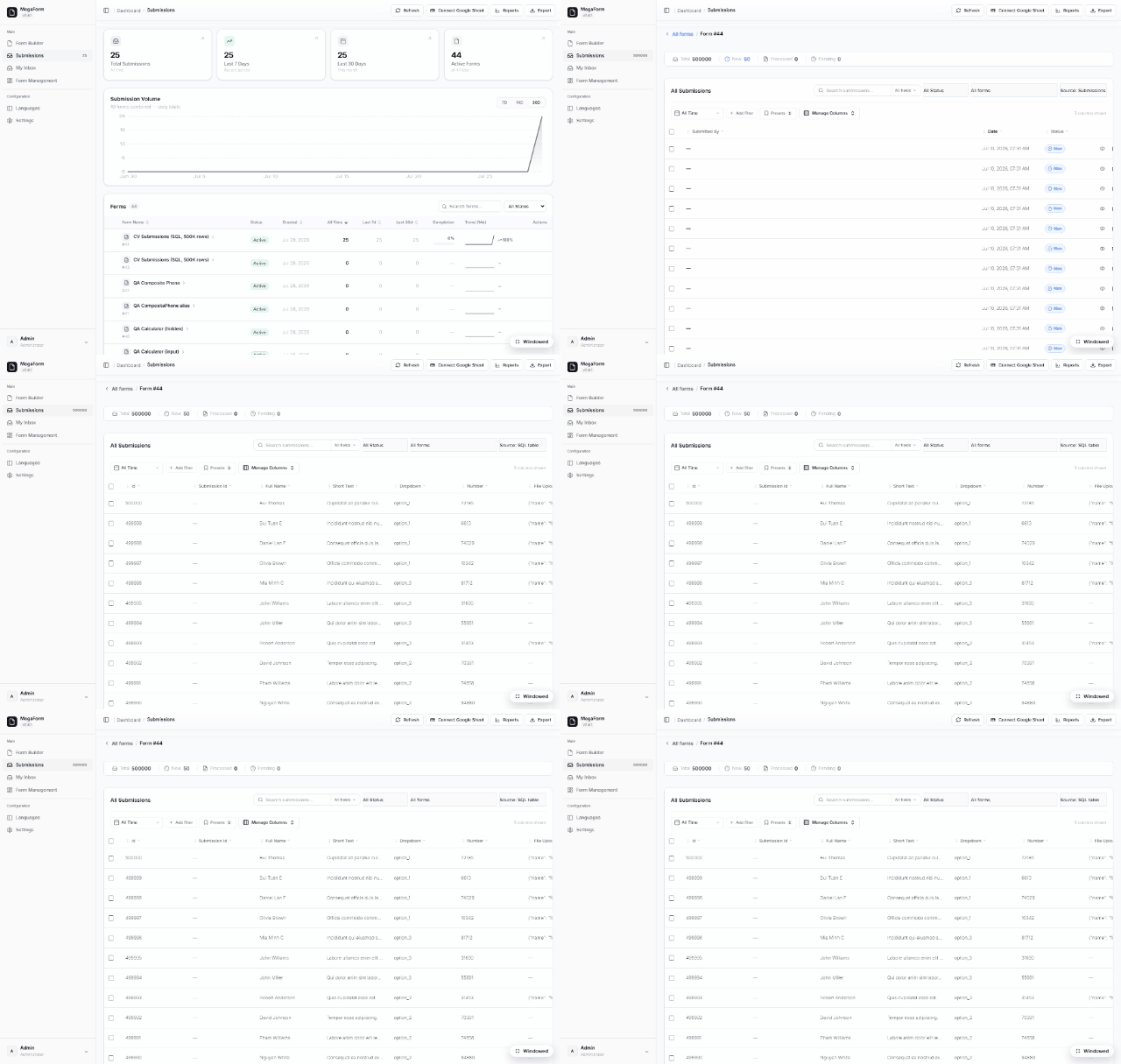
The Source picker in the toolbar flips between Submissions (MegaForm's own store) and SQL table (the bound table). Measured on the install above, against a 500,000-row table on SQL Server Express:
| Operation | Result |
|---|---|
| First page (25 rows) | 0.7 s |
| Subsequent pages | ~0.25 s |
Exact total (COUNT) |
67 ms — the grid header shows 500000, not "500+" |
What the capability card decides
Before a table is bound, MegaForm probes it and freezes a capability profile — what the grid may offer is derived from the table itself, never assumed:
- Read-only account → read-only grid. With a
db_datareaderlogin the profile reportscanInsert / canUpdate / canDelete = falseand says why ("The DB account is read-only"), so the UI never shows an action the database would refuse. - Search depends on the table. Full-text index → full search; a small table → substring; otherwise prefix — and if no column qualifies, search is reported off and the grid steers you to field filters instead. That is honest behaviour, not a silent empty result: add a full-text index to the columns you want searched and re-probe to turn it on.
- Sort, server-side filter, detail view and Export stay available in all of those cases.
- Very large tables can require filter before list, so nobody opens a hundred-million-row table and waits for a scan.
At scale
Paging, counts and filters are pushed into SQL with server-side caps — the grid never loads "everything" into the browser or the server's memory. Bulk actions (status changes, delete, Send-to-Inbox) operate on the current selection, and Export produces CSV of the current filter — not just the visible page.
See also: Submissions & My Inbox · Storage options