Approval workflows & inbox (DNN)
An approval workflow is a User Task in the form's BPMN diagram: when a
submission reaches it, a task is created for the assigned users/roles — and shows up in
their My Inbox. This page follows a real task on the demo site's
Transaction form.
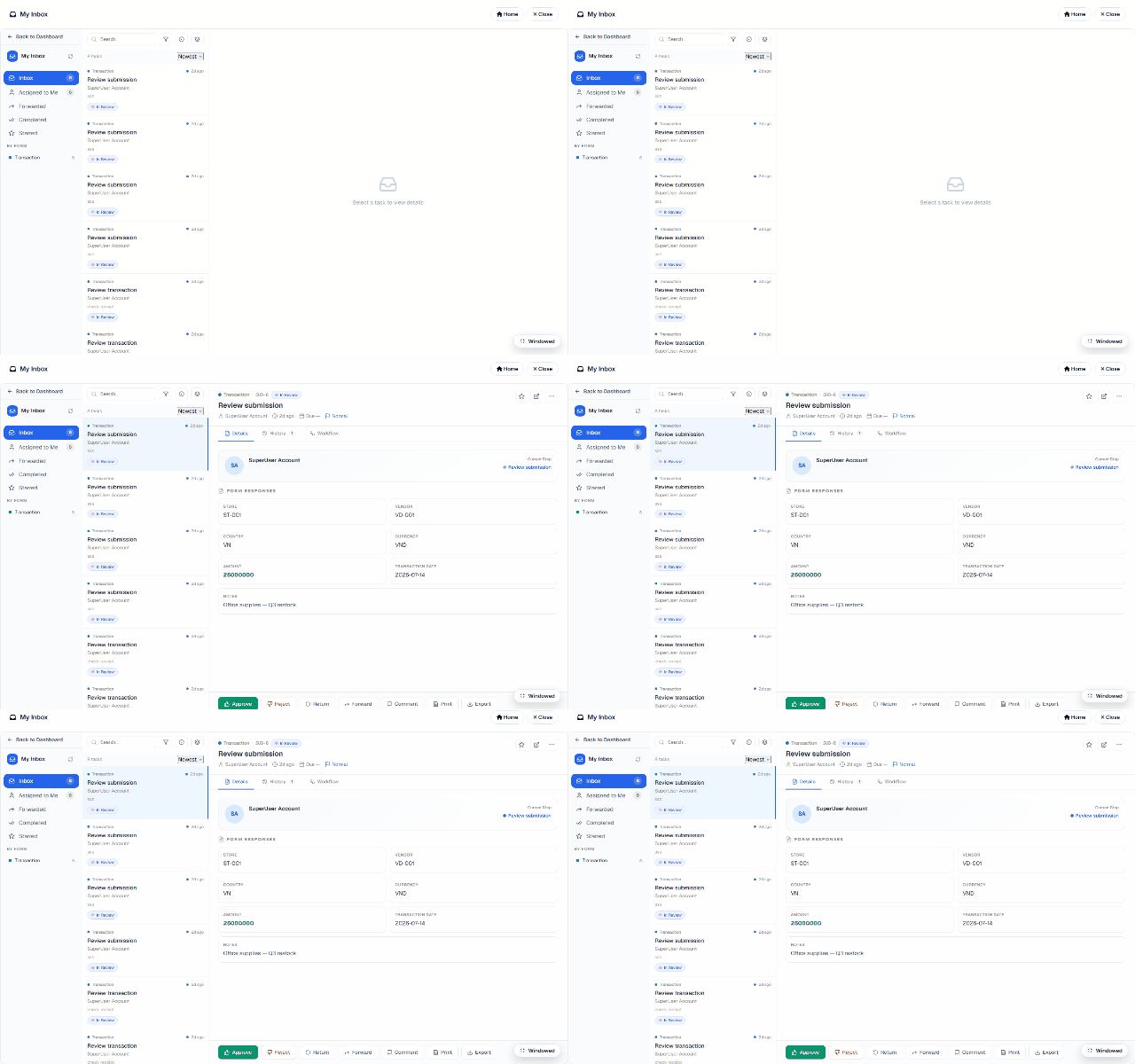
The task detail
Opening a task shows everything the approver needs:
| Tab | Content |
|---|---|
| Details | The task itself — who assigned it, due date, priority, comments. |
| History | The audit trail: every prior action on this record with actor + timestamp. |
| Workflow | Where this record sits in the diagram right now. |
| Form Responses | The submitted answers (an approver can read the record they're deciding on — enforced server-side, whether or not they hold general submission rights). |
The actions
- Approve — the workflow continues along the approved path (in the ERP demo, that's what fires the Database node and issues the invoice).
- Reject — the record takes the rejection branch (or ends).
- Return — send it back to the submitter for fixes.
- Forward — hand the task to another user (tracked in History).
- Comment / Print / Export — annotate without deciding, print the A4 record, export it.
Assignment & security
Task assignees are resolved server-side from the workflow definition (users or DNN roles) — membership comes from the workflow tables, never from the request. Multi-approver setups (anyone-of-role claims the task) and multi-stage chains (manager → finance) are just more User Tasks and gateways in the diagram. Ad-hoc, workflow-less review also exists: select submissions in the grid and Send to Inbox assigns them to a teammate as review tasks.