After submission (DNN)
What happens when someone hits Submit? That's the Form Settings panel in the builder — open the ⋯ menu (or the Settings gear) and the right panel switches to the form-level configuration: General, Database, After-Submit confirmation, redirect, CTA, notifications.
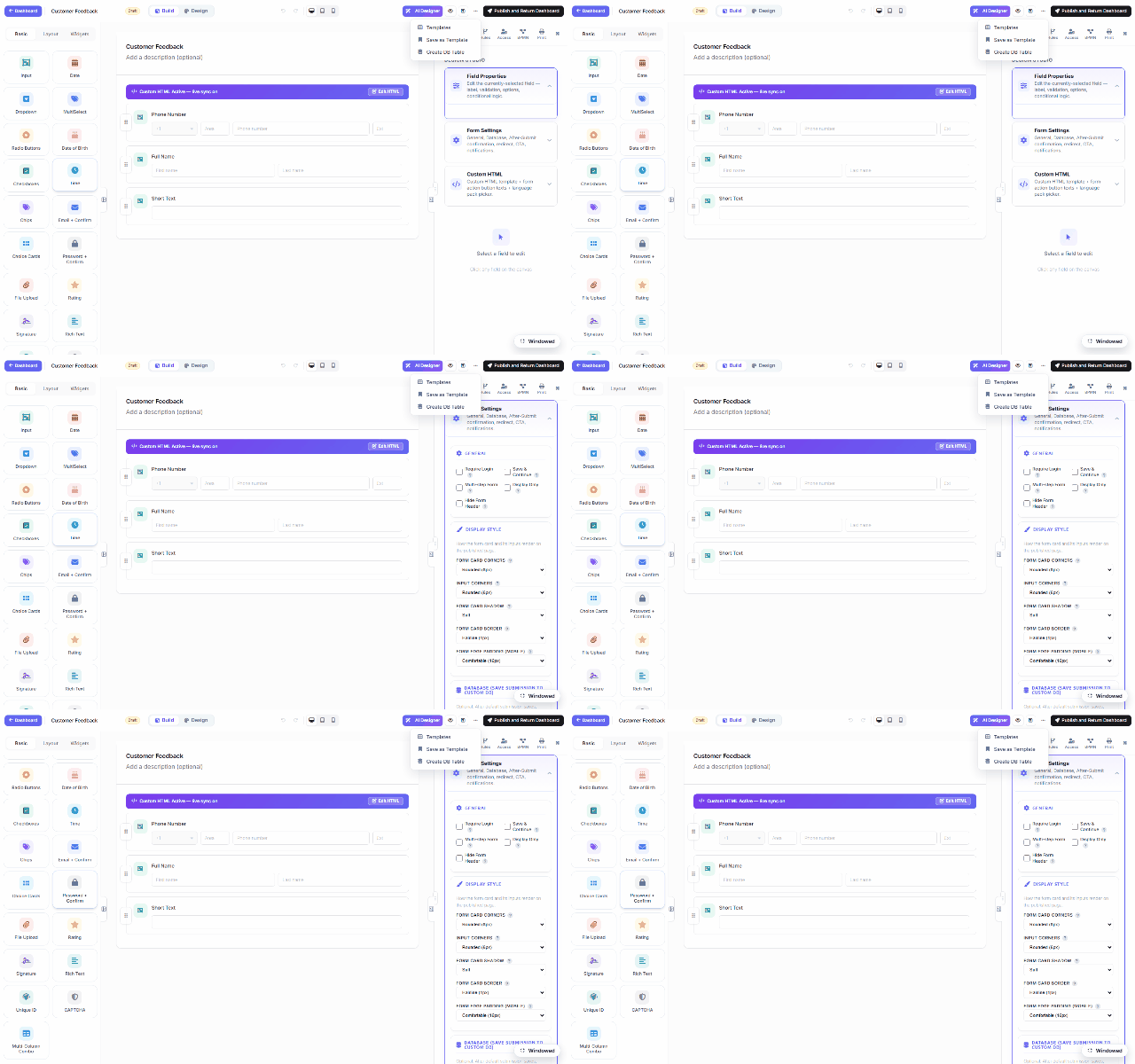
The sections
| Section | What you configure |
|---|---|
| General | Require login, Save & Continue (resumable drafts), Multi-step form, Display Only, Hide form header. |
| Display style | How the published card renders — corners, shadows, borders, mobile padding. |
| Database | Mirror each submission into YOUR SQL table the moment it arrives — see Storage & Integrations. |
| After-Submit | The confirmation experience: a thank-you message (rich text), a redirect to any URL, or a call-to-action button; optionally show a summary of the submitted answers. |
| Notifications | Email the submitter and/or staff on each submission — templated subject/body with {{field}} tokens. |
Beyond the confirmation
The After-Submit hook is also where automation chains on:
- Workflow — route the submission for approval (Approval Workflows & Inbox).
- Webhooks / integrations — push the record to an external endpoint (server-side, SSRF-guarded).
- Database insert — the ERP demo's pattern: the submission lands in
MF_SubmissionsAND your own table in the same request, parameterized and fail-soft.
Everything here is per-form and lives in the form's settings JSON — exporting the form carries its after-submit behavior along.